from the json data, search for the mg (machine guid), it’s the unique identifier for the host.
if both have the same identifier, they are the same host.
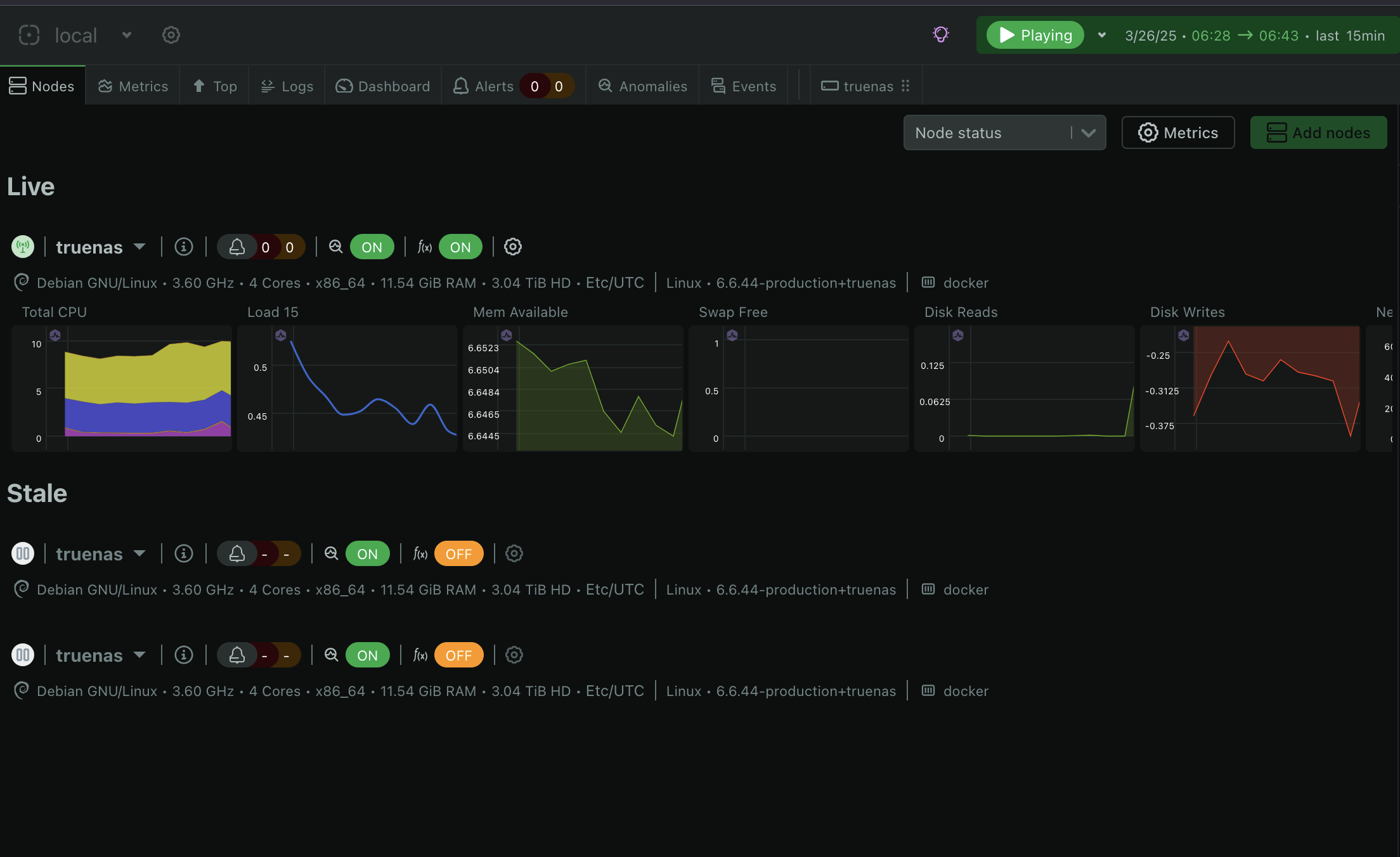
I don’t know why but netdata isn’t able to tell those are the exact same node (they have different mg), that’s why I can’t see the full history in the Cloud
What should I do to tell netdata those three nodes are the same and should be considered as one node in order to be able to view the full history ?
Hi, @Haroune_Mohammedi. Despite having the same hostname, these are different nodes. Hostnames are not unique identifiers; GUIDs are. Have you removed Netdata multiple times? How did you end up with 3 nodes?
I followed the docs to reconnect the node, so I removed the cloud.d folder and recreated the docker container, the goal was to move my nodes to another space.
The nodes in your screenshot are already in the same space. This indicates that you deleted cloud.d and netdata.public.unique.id, then reconnected to the same space multiple times. The instruction you followed is intended for reconnecting nodes to a different space.