I am using Netdata 2.7.1 with an active Homelab license.
In accordance with Visualization date and time controls | Learn Netdata I would like my chart dashboards to always default to “Force Play” mode on app.netdata.cloud
Is this possible to configure somehow?
Hello there!
Currently, Netdata Cloud doesn’t offer a configuration option to set charts to default to “Force Play” mode, you’ll need to manually set this for each chart.
Ok, what about accessing the node(s) locally at the 19999 port. Is there a way to configure those pages to default to Force Play?
Hello again,
You inspired us to implement a new feature, and it’s now live!
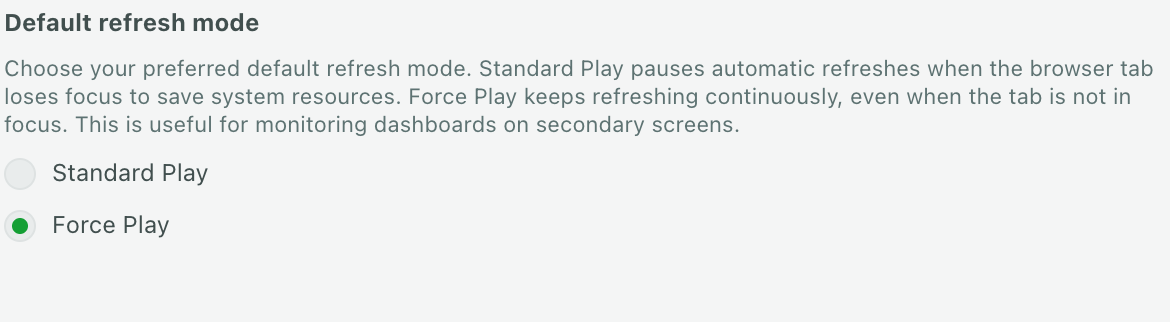
You can now set “Force Play” as your default refresh mode directly from your Profile Settings.
Simply click Default refresh mode,
then choose Force Play
Thank you for your feedback!
This is great news! Thank you so much for this, makes a big difference for me.
Sorry but I’m not sure this feature is working as expected? I have set my profile to default to Force Play mode, but when I quit my browser and then relaunch it, and navigate to the Netdata dashboard, it is back in regular “Play” mode (not force play). I have tried clearing my cache/cookies… ?
hey, we’re sorry for that, please try now
Yes it seems to be fixed now. Thank you again!